Run events like you mean it.
For student associations, promoters, clubs and dinners. Publish in minutes, sell to thousands of students, and know your crowd better than any platform, from your phone.
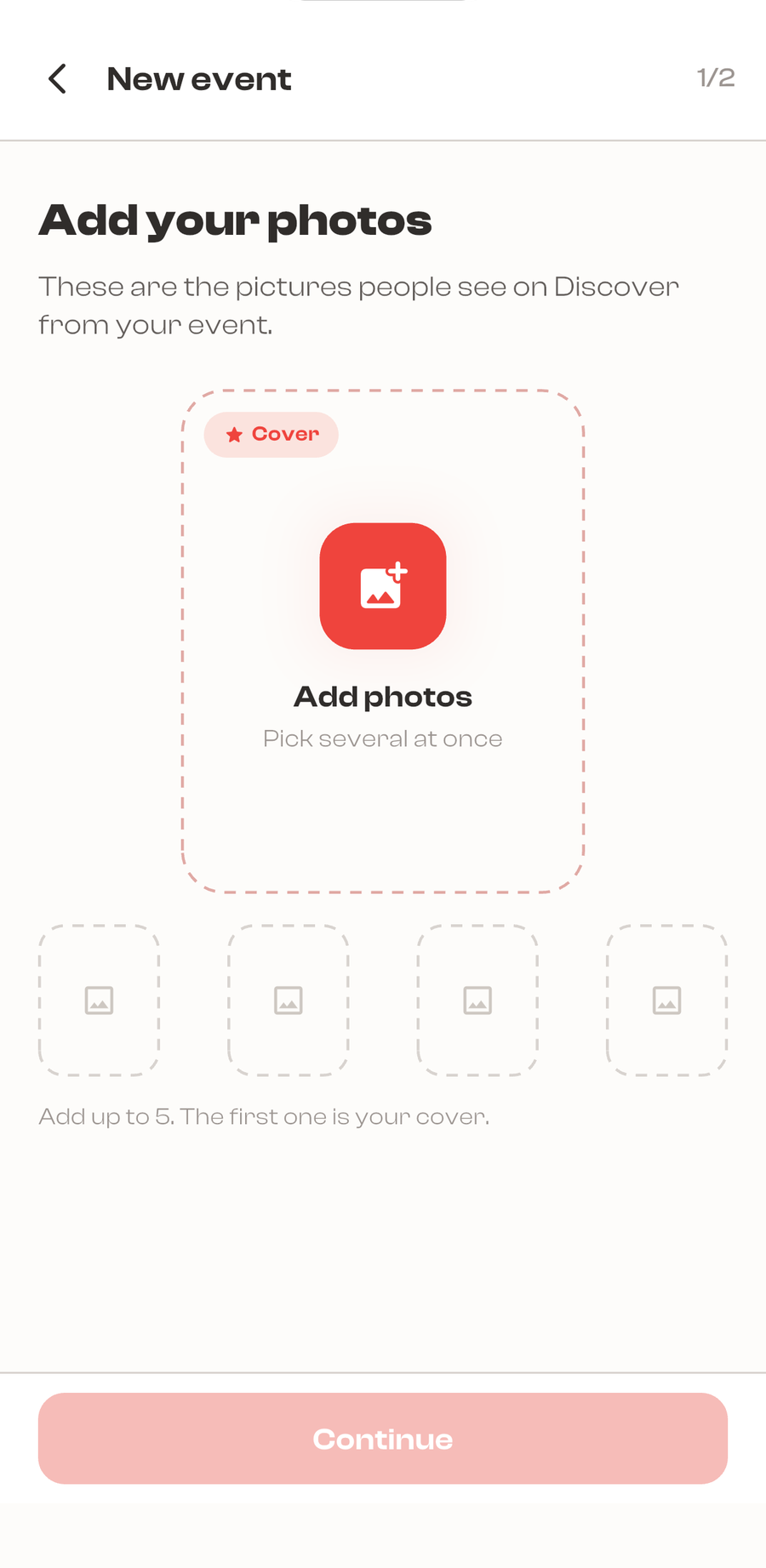
Bring your event to life.
Publish in minutes, or save it as a draft for later.
Ticket tiers, member, non-member, early bird.
Free or paid, your call.
Cancel anytime, every ticket is refunded 100%, automatically.
We put your event in front of the crowd.
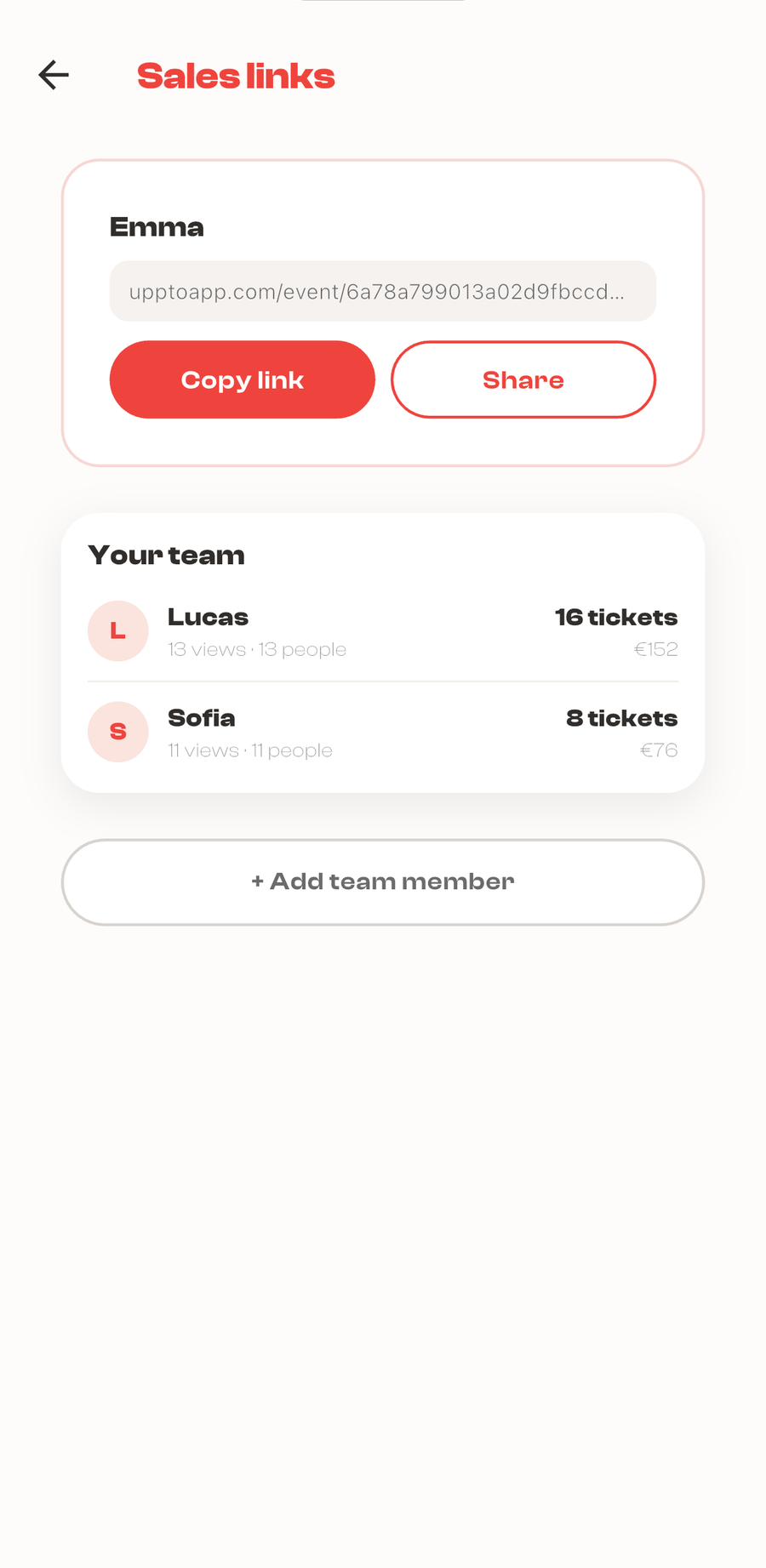
Your event shows up in the app's swipe and live map.
Named sales links for every committee member, “Emma sold 14 tickets.”
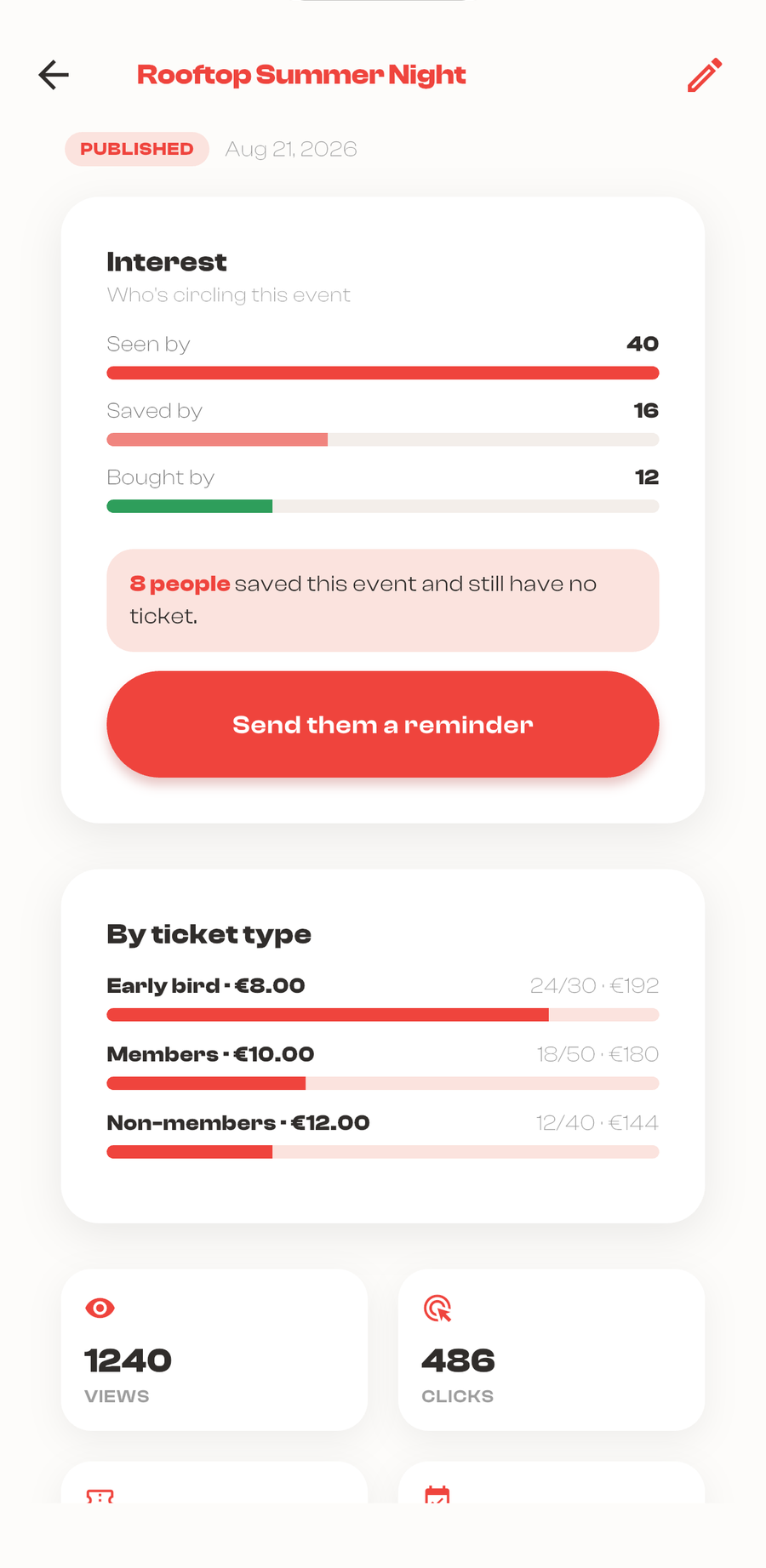
Push reminders to students who saved your event but haven't bought yet.
Know your crowd like no one else.
Mobile analytics with a full conversion funnel.
See demand before you sell, how many viewed and saved.
The demographics of your audience.
Live door mode with the QR scanner.
7%
of each paid ticket, and never less than €0.60 on it. That is the whole fee. Free events cost you nothing.
0%Free events, always.
€0Setup and monthly cost.
StripePayouts after your event, to your bank.
InvoiceMonthly, automatic, VAT-ready.
Built for Europe.
Automatic refunds
Cancel and every ticket is refunded 100%, no tickets, no emails.
Attendee data protected
GDPR-compliant. Your guests' data stays private and safe.
Verified organizer
Earn the verified badge students look for before they buy.
A clear contract
Plain-language terms, read the organizer agreement.
Before you ask.
Who's actually selling the ticket, me or UpTo?
You are. UpTo is the marketplace in the middle: when someone buys a ticket, the contract is between you and that attendee. We collect the payment on your behalf and pass it to you, minus commission.
Do I need Stripe to get paid?
For paid events, yes. You connect a Stripe account once, from inside the app, and that's where your ticket money lands. Free events and events you sell on your own site don't need it at all.
When do I get paid?
After your event has taken place. The money sits safely in your Stripe account until then. That hold protects you and your attendees against refunds on an event that has not happened yet, and it is released to your bank once the event is done.
What if I sell tickets on my own site?
Then UpTo charges nothing, €0.00. Your event still shows up in the swipe and on the map with a link to your site, and your analytics count every tap on that link, so you see exactly the traffic UpTo sends you.
What happens if I cancel my event?
Every ticket is refunded 100%, automatically, including our fee. No spreadsheets, no chasing, no angry inbox.
The long version lives on the help page.
Your first event is 5 minutes away.
- 1Get the app and create your event, from the account you already have.
- 2We review your first one, so students know what they are buying into.
- 3Accept the organizer agreement. Your event goes live and you are in.


Running something big, or have questions first? Talk to us